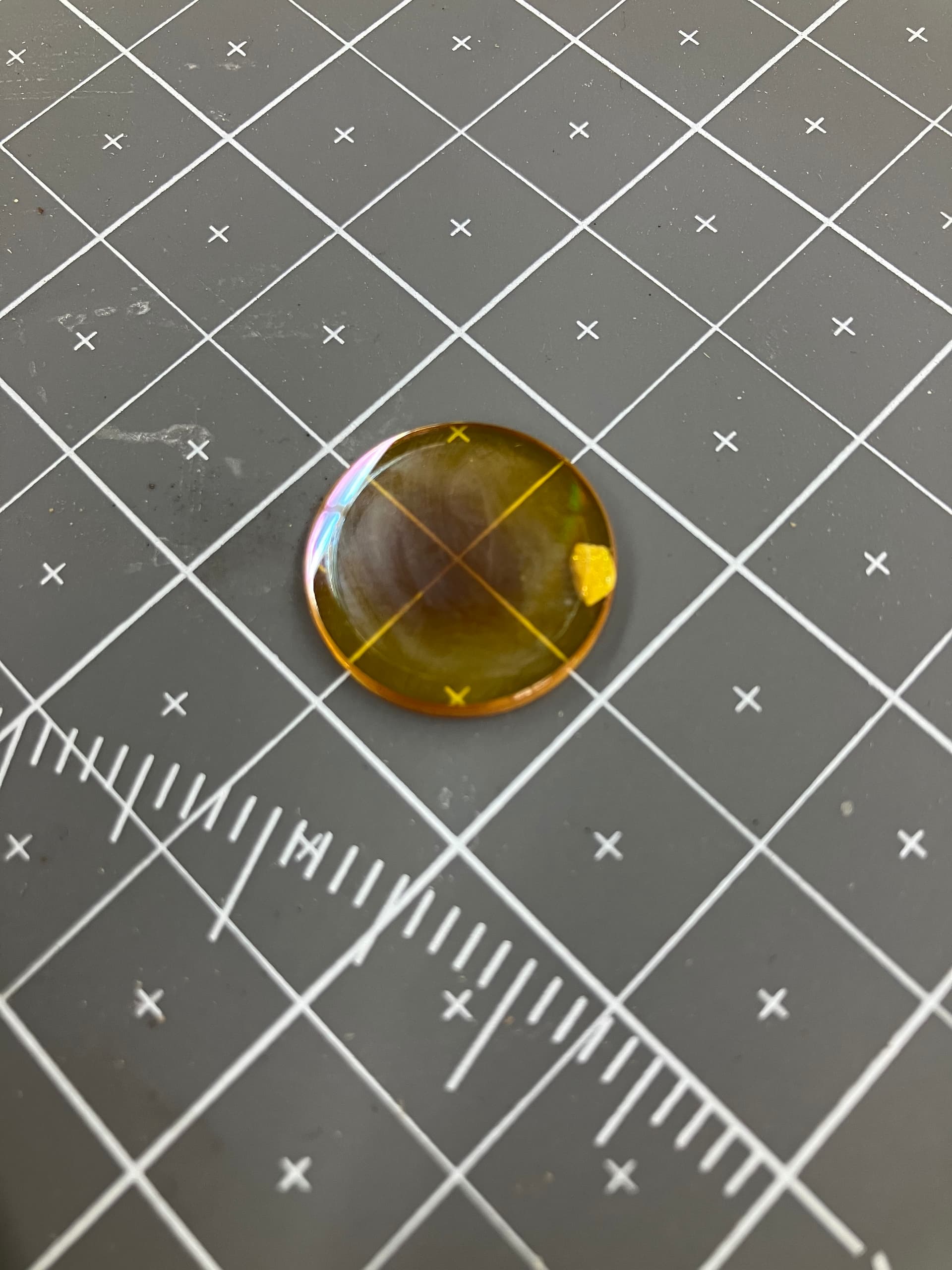
Yesterday I was using Luigi to cut some hardboard (masonite), and as I was using it the laser mark got progressively wider, until it appeared to stop firing altogether. The motion system appears to be working fine, but I stopped using it and switched over to Mario at that point, so I haven’t done any diagnostics. Just putting a heads up out there.
I worked on it some tonight - lens was cracked I think? What is that blemish? Anyway I replaced it. Re-aligned the mirrors, especially the head mirror was pretty far off. It seems to be working now so I removed the sign.
Also, I hate to say this, but the new struts suck! Can we go back and order the ones that are not 100 pounds? you have to work really hard to pull the door down - it’s noticeable the first time and intolerable by the 50th time.
I wish both machines used a counterweight instead of a spring. The geometry means that the lid will stay up on its own but it’s very heavy to lift and difficult to control coming down. Or, is the springs are strong enough to control near closed, they are near impossible to close from fully open.
A big wish for me more than the door is that the computers were calibrated to the same default settings and the latest version of Lightburn. I believe there is a problem with the latest version of lightburn that may not be compatible, don’t recall the exact reason it wasn’t upgraded (unless it was recently and I didn’t see).
Is there a “restore defaults” button? Or a similar “preset” button that could be used to put the machine into a safe condition for those who shouldn’t or aren’t able to tweak settings?
I used to have it set up so that restarting Lightburn would reset all the settings. You just have to revoke the write permissions on the prefs.ini file for the non-admin user that is normally logged in. It’s possible that an update reverted the permissions on the file and allowed the changes to be saved.