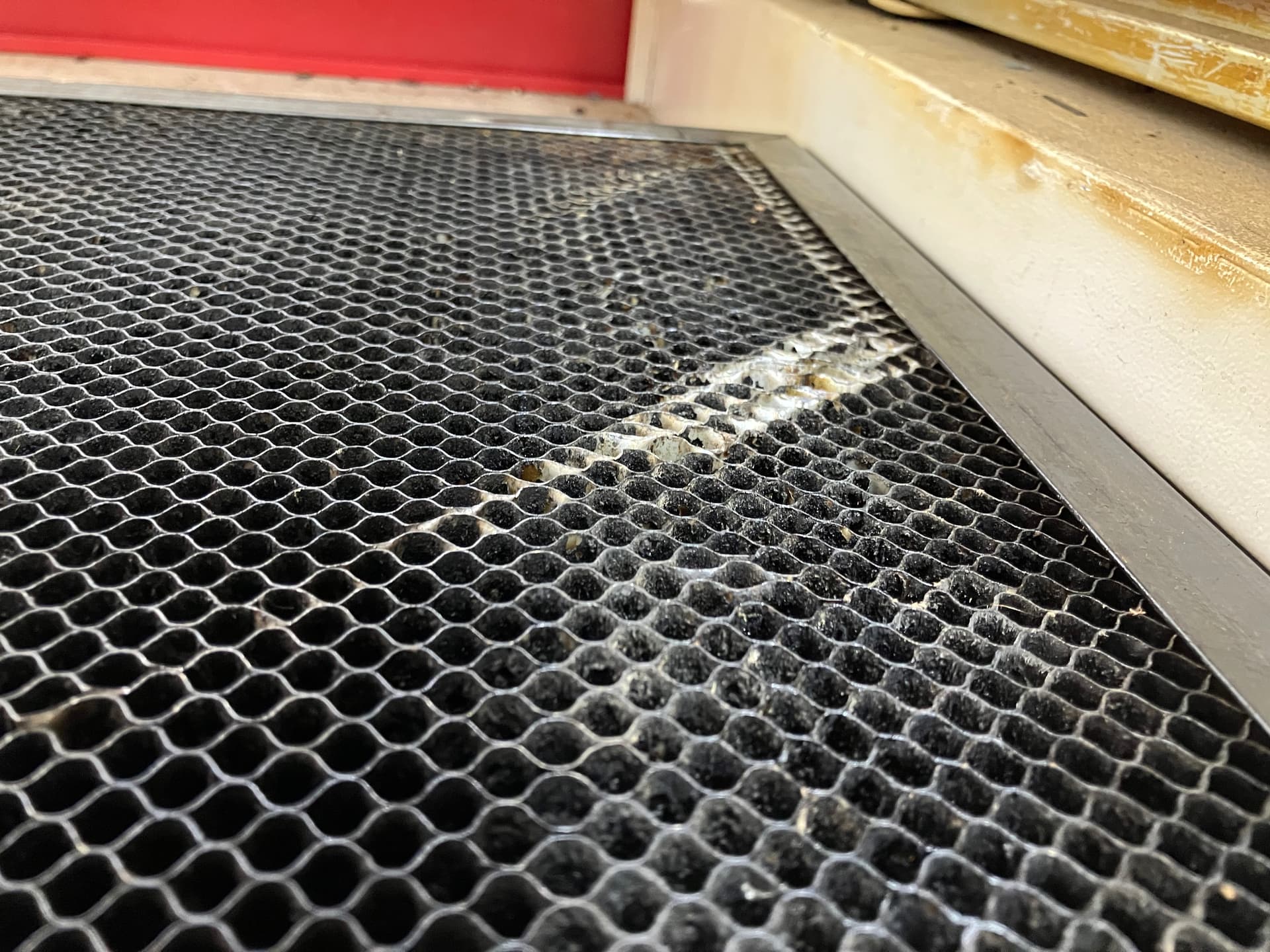
I’ll add that if it crashes, don’t just turn it back on because the first thing it does is try to home and in doing so it drags the head across or through the bed. AMHIK
When I was there the other day the bed came up twice while someone was using it, but he thought he had figured out what was wrong. Came in yesterday to a sign that the print head was digging in and this damage. I poke around and found that “enable z axis” was set to on. Turned that off and didn’t have any more issues.